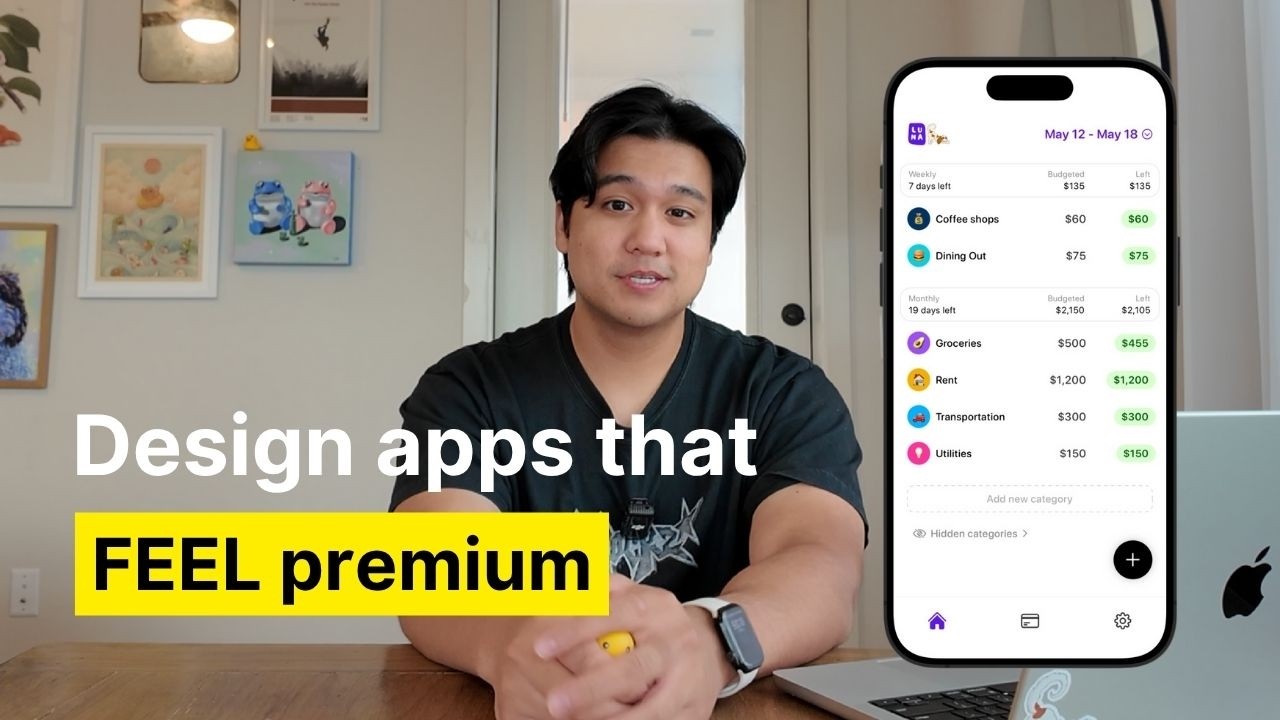
Chris Raroque thumbnail

📝 Chris Raroque Blog

How to Make Your iOS Apps Feel 10x Better Than Default: 5 Advanced Design Tips

If you've ever wondered how some apps just feel more polished, fun, and engaging than the standard iOS experience, you're not alone. Chris, a productivity app developer, recently shared his advanced design techniques to make his apps stand out in the crowded app market. Today, we'll break down his top five actionable tips to help you elevate your app’s design and user experience beyond the default iOS feel.


1. Add Dimension with Thoughtful Interactions & Animations

Most default iOS apps rely on instant transitions and static interfaces, likely for accessibility and performance reasons. But to give your app a unique and premium feel, consider adding smooth, meaningful animations.

  • Example: In Chris’s budgeting app Luna, tab transitions slide in from the previous page instead of appearing instantly.
  • Pro Tip: For complex animations, break them down into smaller components instead of asking for one big animation from AI tools. For instance, animate icon rotations, background expansions, and text fades separately.
  • Tools: Apple’s animation APIs combined with AI coding assistants like Claude Code can help you build polished animations quickly, sometimes with zero manual coding.

Small, satisfying animations repeated throughout your app create a cohesive, premium experience that feels much more delightful than basic instant changes.


2. Use Custom Illustrations to Add Personality, Especially in Empty States

Empty screens are often overlooked but present a great chance to inject personality into your app.

  • Instead of displaying plain text like “No tasks for today,” use custom illustrations or animations.
  • Chris’s meeting assistant app Lily features a ghost mascot that changes poses depending on the context, such as searching for tasks or taking notes.
  • How to Create: Start with a base illustration from an artist or designer (Chris enlisted his girlfriend for this). Then, use AI tools like ChatGPT to generate countless variations and poses.
  • Next Level: Animate these illustrations using tools like Rive to make your app even more dynamic and engaging.

Custom illustrations make your app feel unique and memorable, helping it stand out from the crowd.


3. Enhance User Experience with Haptic Feedback

Subtle vibrations provide physical feedback that makes interactions feel more tangible and enjoyable.

  • Chris notes that Apple’s own apps rarely use haptics, likely due to considerations like battery life and accessibility.
  • In Luna, almost every button tap has some form of haptic feedback, with varying intensity depending on the action — lighter for frequent inputs, heavier for major actions like tab changes.
  • Why it Matters: Well-placed haptic feedback can make tapping addictive and satisfying, encouraging users to engage more with your app.

Just be mindful not to overdo it; well-calibrated haptics enhance the experience without becoming annoying.


4. Choose the Right Icons and Maintain Style Consistency

Icons are a subtle but powerful part of your app’s visual language.

  • Many developers default to using Apple’s SF Symbols, which are fine but generic.
  • Chris prefers using icon packs like Hero Icons (the thin version) for a clean, minimal look that fits his app’s aesthetic.
  • Key Points:
  • Pick an icon style that fits your app’s personality—thin and minimal, thick and bold, or detailed and complex.
  • Stay consistent in icon style across your app to maintain a cohesive feel.
  • Use different icon styles strategically to indicate states (e.g., thin icons for inactive tabs and bold-filled icons for active tabs), adding subtle depth beyond just color changes.

Thoughtful icon choices can elevate your app’s look and feel beyond what standard icon sets offer.


5. Constantly Elevate Your Design Taste Through Inspiration

Great design is a skill that improves with constant exposure and practice.

  • Chris recommends following talented designers on Twitter to see fresh ideas daily.
  • Another favorite resource is Mobbin, a massive catalog of thousands of app screenshots showcasing UI patterns, tab bars, icons, and color palettes.
  • How to Use Mobbin:
  • Scroll through for inspiration and to develop your design sensibilities.
  • Search for specific design elements (e.g., “tab bar”) to see how top apps handle them.

Spending just a few minutes daily or weekly on such platforms will naturally sharpen your eye for what good design looks like and help you apply those insights to your own apps.


Final Thoughts

Making your app feel significantly better than the default iOS experience isn’t about one magic trick—it’s the sum of many small, thoughtful enhancements. From polished animations and custom illustrations to haptics, icon choices, and constantly honing your design eye, these techniques collectively create a premium and fun user experience.

Chris’s own finance app Luna is proof that even traditionally “boring” app categories can be made enjoyable with the right design approach. If you’re looking to deepen your design process, check out Chris’s earlier videos on mood boarding and wireframing, and don’t forget to keep practicing and seeking inspiration.


If you enjoyed this guide, be sure to subscribe to Chris’s channel and follow him on Instagram and TikTok for more tips on building beautiful productivity apps. Happy designing!


Music credit as per original video.